
Free-to-use wireless network tester
WIFI WPS WPA TESTER is a free utility from Alessandro Sangiorgi. This multipurpose tool tests Wi-Fi signals within range, it even tests vulnerabilities for security, and finds access points that are not readily detectable. However, take note that it is not the kind of app that automatically connects you to any wireless network in place. You still need the network password to connect and test a network.
Top Recommended Alternative

Using WIFI WPS WPA TESTER is great for people who regularly connect to public hotspots, ensuring that the network they connect to is secure. Complete your wireless security with WiFi Warden or TouchVPN.
Connect to the best hotspots
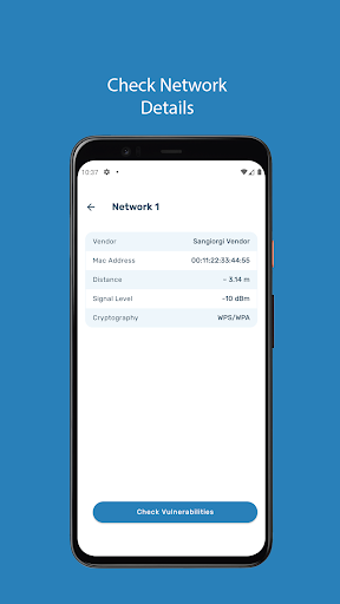
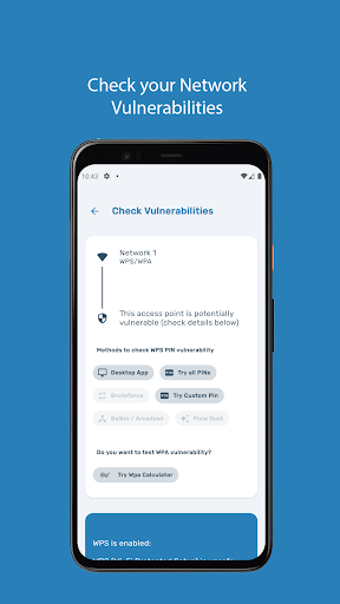
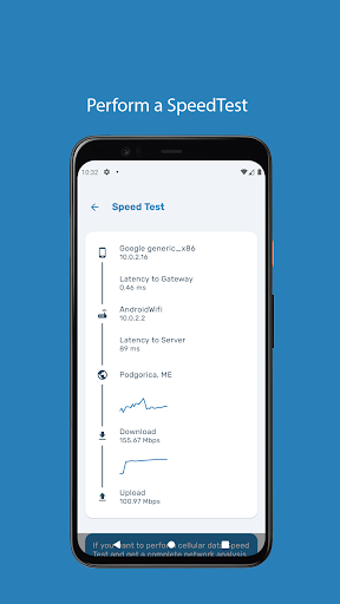
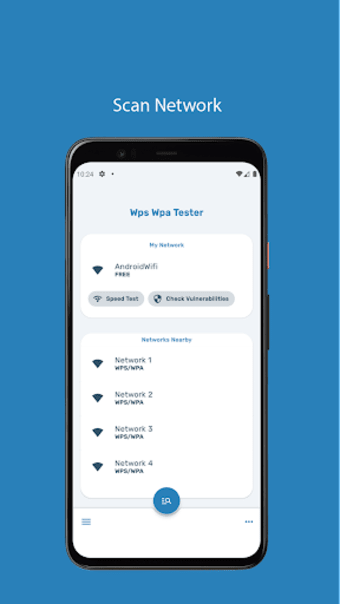
Usually, in a given location, your mobile device can detect multiple wireless networks. With WIFI WPS WPA TESTER, you can test various networks and determine the best among them. You can test them based on factors like ping and signal strength. Aside from its built-in speed test tool, it also has a Vulnerability Checker and even a Password Manager—all packaged in a neat, streamlined app layout.
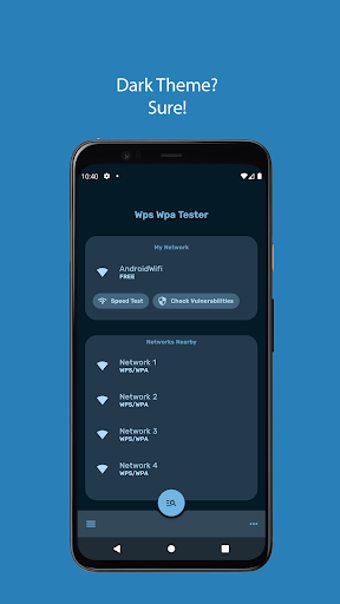
It only requires about 14 MB of storage space and installs pretty quickly. Another feature it has is detecting hidden networks, those that are not readily available should you search using your device’s built-in Wi-Fi module. It even offers a default light theme, as well as a dark theme, that keeps your eye comfortable as you search for the network to connect to.
However, some of its more impressive features are no longer available after a series of updates. For one, it was actually capable of hacking into detected networks, letting you connect even without the correct password. It was the app’s strength that is no longer available. Even worse, the app is now filled with ads and has become prone to crashing.
Still works as advertised
As a Wi-Fi tester, the WIFI WPS WPA TESTER app still works as advertised. However, longtime fans of the app might be disappointed with how far it has fallen. First, the ability to connect to any network is no longer available. Next, it has become riddled with bugs and app-crashing problems. Still, if you’re curious about looking for the best and safest network available, this is a good app.


.png)
.png)
.png)
.png)
.png)